
Lite
$4.83/month
1,200 credits, valid for 1 year
Billed yearly at $57.90 · save 30%
- Text-to-image and image-to-image
- All image models
- Free download, commercial license
Upload a photo and choose 2D, hand-painted or 90s anime. Keep your subject recognizable while exploring a new look. 16 credits per image; an account is required.
Turn your photo into anime
16 original AI-made photo/anime comparisons illustrate possible looks, not verified outputs from this tool. Actual results and likeness vary.


Upload, choose an anime look, then generate your own version.
Use a well-lit portrait or scene in JPG, PNG or WebP, up to 10MB.
Start with 2D anime, or try hand-painted animation and 90s cel shading.
Generate one anime image, compare it with your photo and download the result.
Continue editing the same image with another focused AI tool.
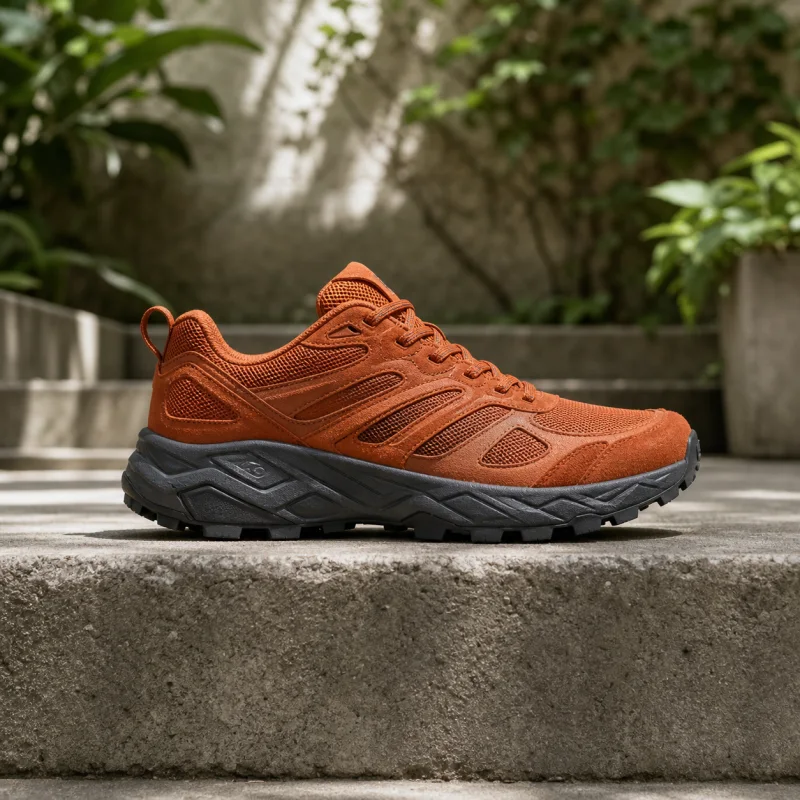
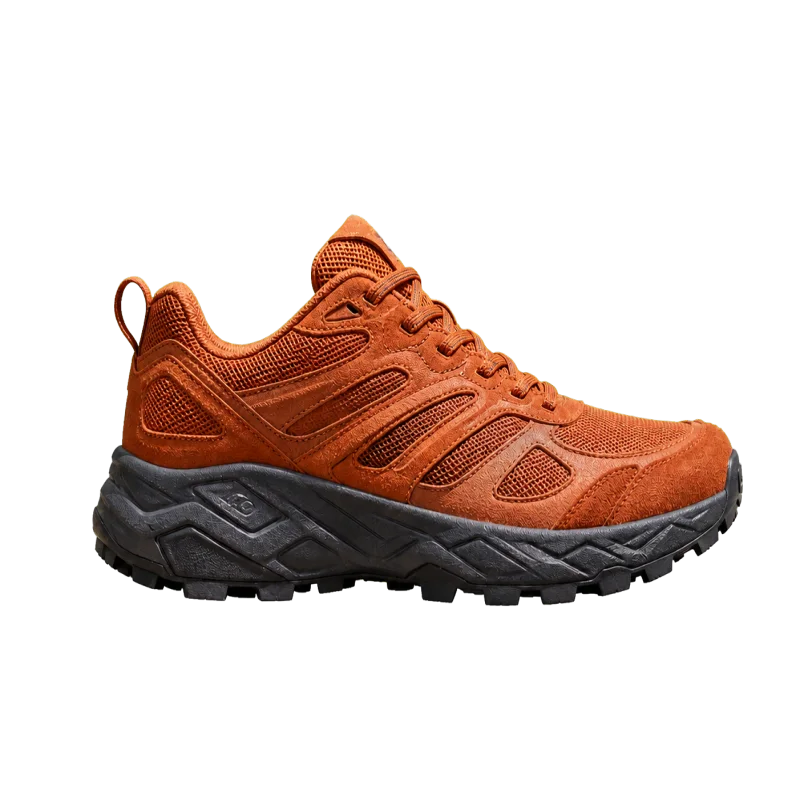
Cut the subject out and get a transparent PNG back.
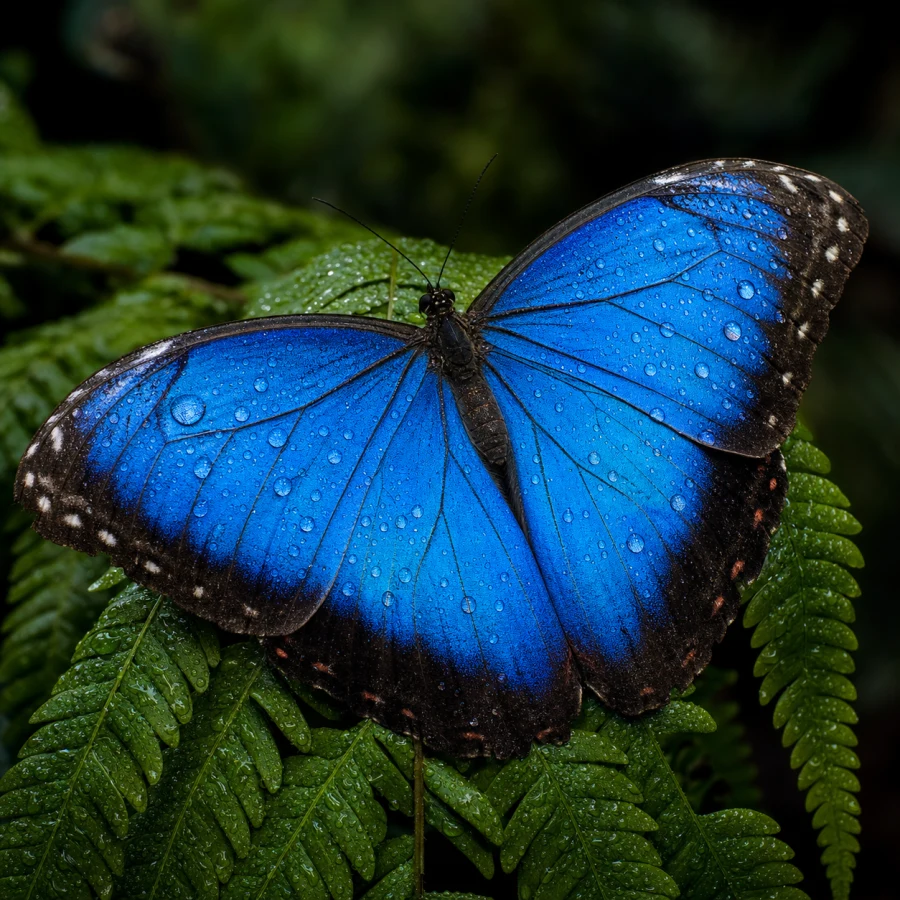
Enlarge a picture 2× or 4× without it going soft.
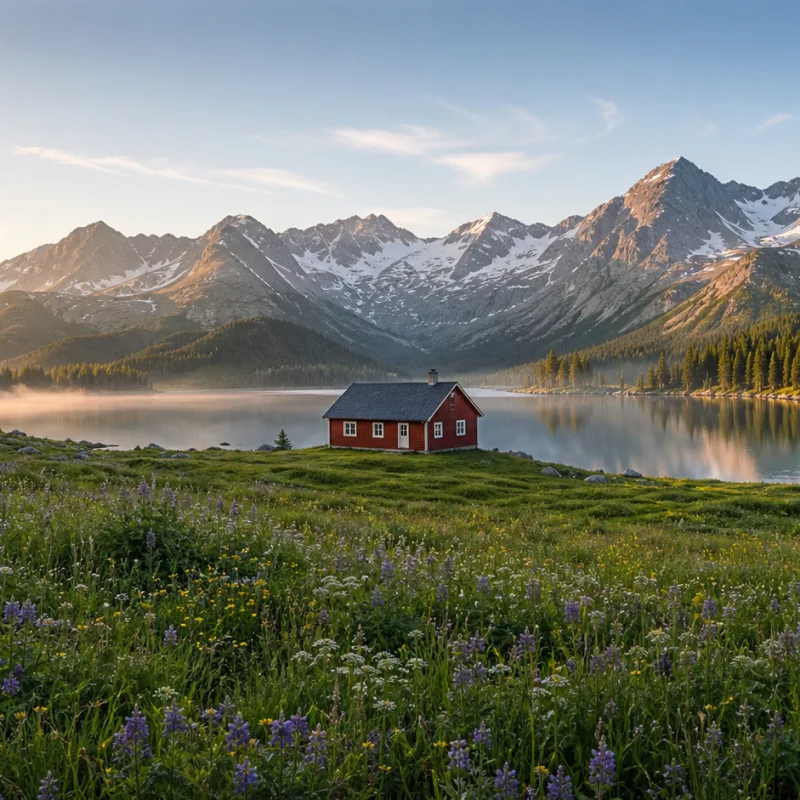
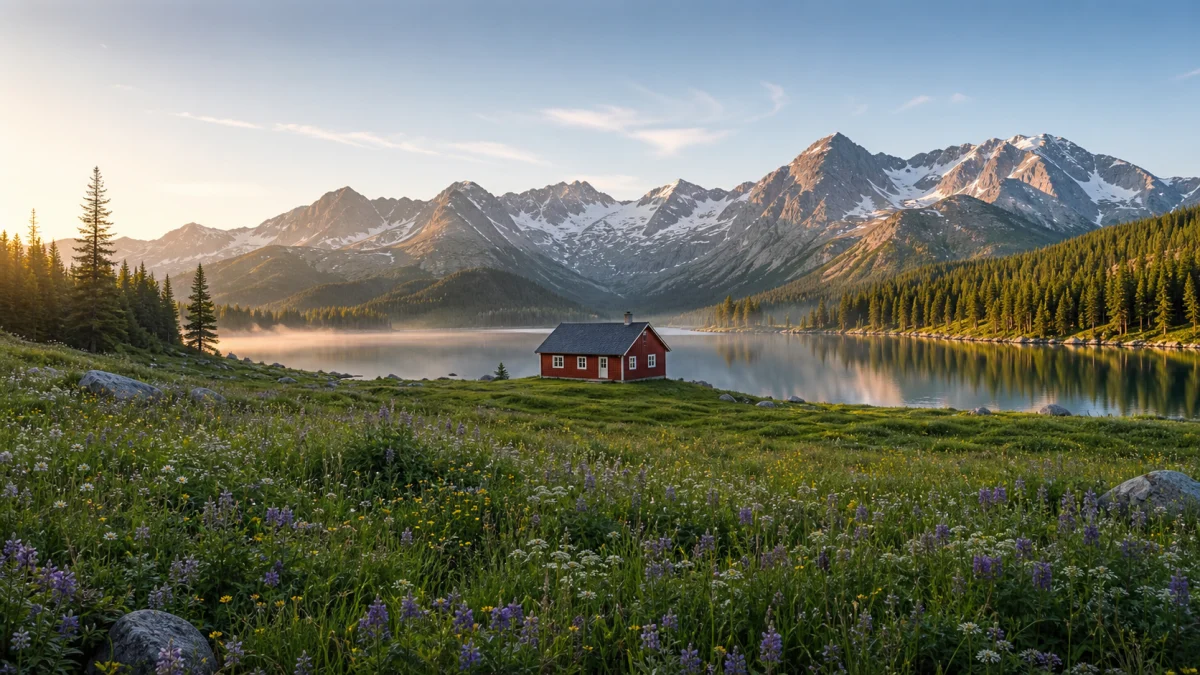
Extend a picture beyond its original frame to a new aspect ratio.
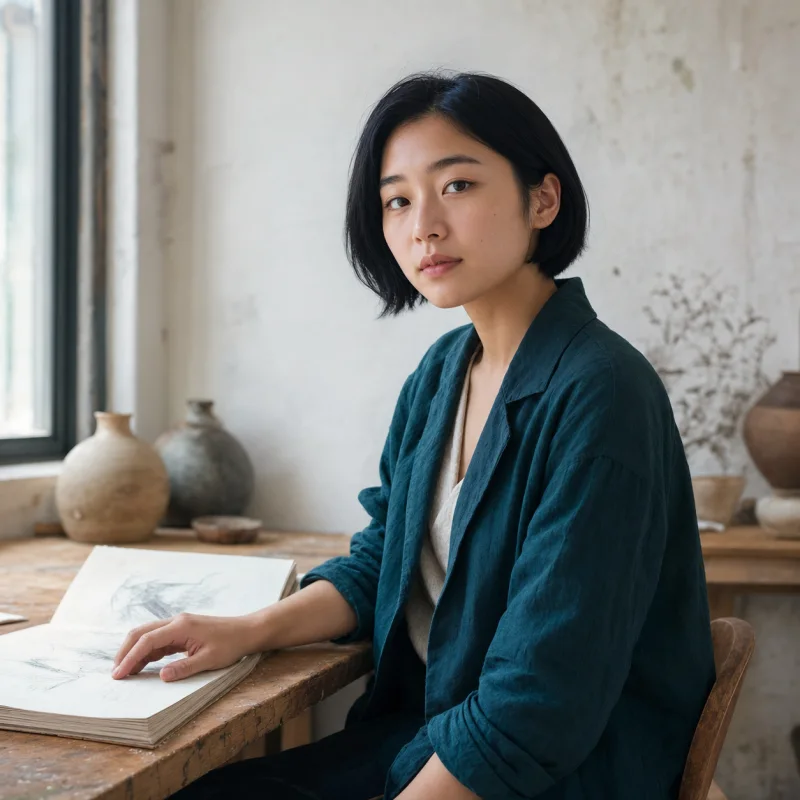
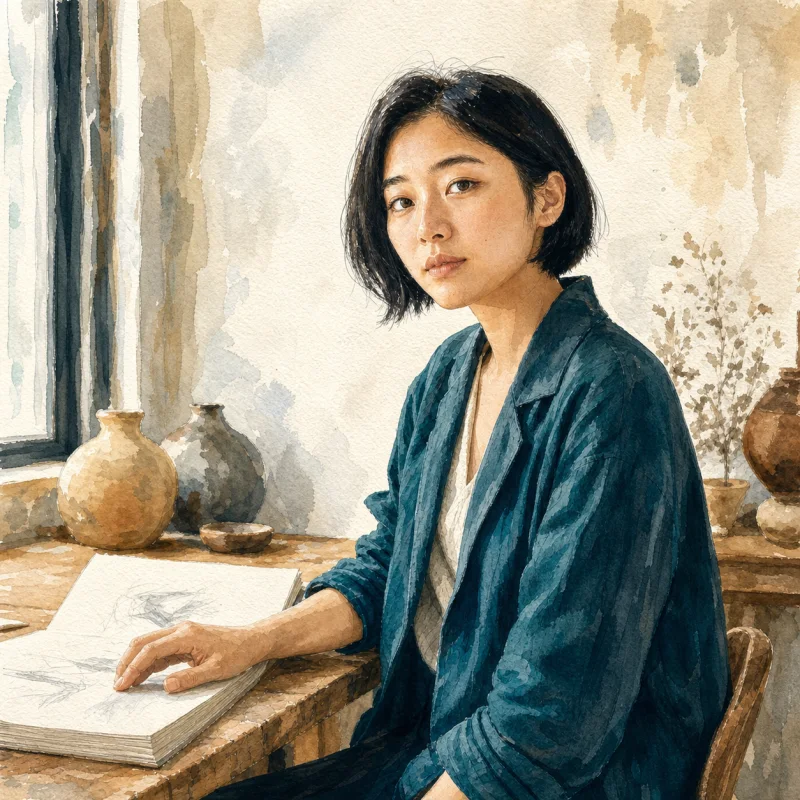
Turn a photo into an illustration while keeping the subject.

Turn a photo into a hand-drawn pencil, charcoal or ink sketch.
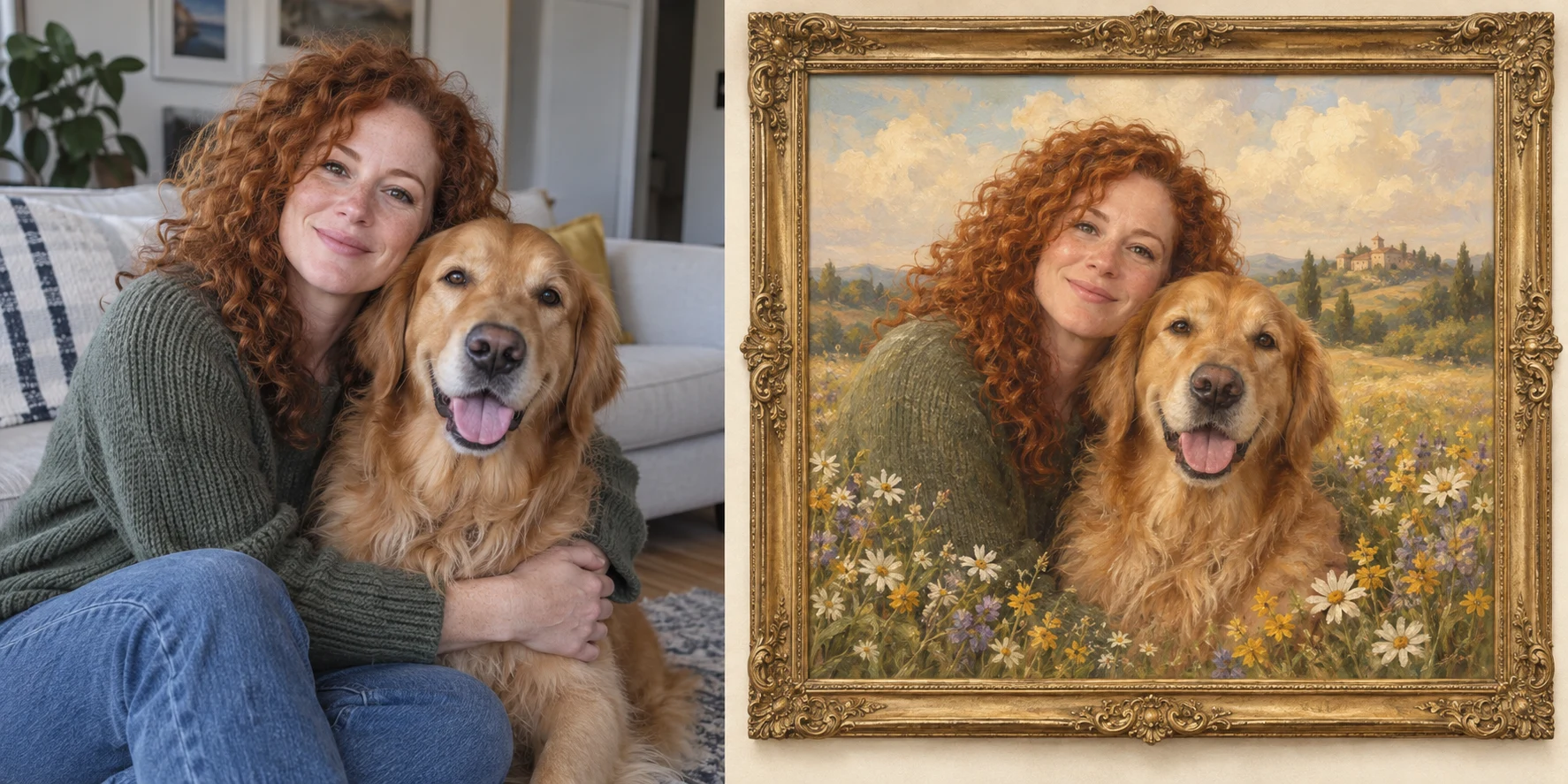
Create a vintage portrait of you and your pets, complete with an antique frame.


Brush away stickers, emoji and overlays from your own photos.
Before you start: free credits, likeness, supported photos and how conversion works.
You can use eligible account credits, but each conversion needs 16 credits. The 12 welcome credits alone do not cover one run. Sign in to check your balance or choose a credit package.
The instructions preserve recognizable facial features, hair, pose and clothing. AI can change small details; use a clear, well-lit photo and review the result.
16 credits per image, reserved before generation. If the run fails, the reserved credits are refunded. No change to the existing conversion price.
JPG, PNG and WebP files up to 10MB. Clear portraits work best for likeness; you can also try pets, buildings and landscapes. Upload only images you have permission to use.
A filter usually changes color and contrast. This anime photo converter redraws lines, shading and textures using the source photo as a guide.
Not on this page. Upload one photo and generate one result at a time.
Choose an annual plan and keep every AI image tool within reach.
1,200 credits, valid for 1 year
Billed yearly at $57.90 · save 30%
3,000 credits, valid for 1 year
Billed yearly at $141.90 · save 30%
6,000 credits, valid for 1 year
Billed yearly at $276.40 · save 30%
Choose a look and create an anime version of your own photo, right in your browser. No installation needed.