
FLUX 2 Image Generator
Create detailed scenes and reference-guided edits with FLUX.2 [dev]. Sign up and try it with welcome credits — no install, GPU, or API key.
Prompts to try with FLUX 2
Explore 10 images generated with FLUX.2 [dev], from architecture and portraits to nature and imagined worlds. Click an image to load the exact prompt. Results vary between runs.
Create and edit with FLUX.2
Text to image
Turn a written brief into one image per generation.
Detailed prompts
Describe subjects, composition, light, and the visual details you want to explore.
Product concepts
Try backgrounds, materials, and staging for a product idea.
Visual styles
Ask for photography, illustration, or another style in your prompt.
One reference image
Upload a photo and describe a focused edit. This site accepts one reference per FLUX.2 task.
Output up to 1MP
Choose square, portrait, landscape, or wide framing. This site's output is capped at one megapixel.
From a clear idea to a detailed image
This flux 2 image generator brings Black Forest Labs' FLUX.2 [dev] into your browser. Describe a new scene or upload one image and explain the changes. Your account and credits work across the site's models.

Give FLUX 2 a clear brief
Start with the subject, then add composition, lighting, and the details that matter.
Name the subject and setting
Describe who or what is in the picture, where it belongs, and how the scene should be framed.
Specify light and materials
Use concrete details such as soft window light, matte ceramic, or brushed metal instead of a long list of vague adjectives.
For edits, say what stays
Upload one reference. Explain what to change and which features, colors, or layout should remain.
The other models
Try the same prompt with another AI image model.
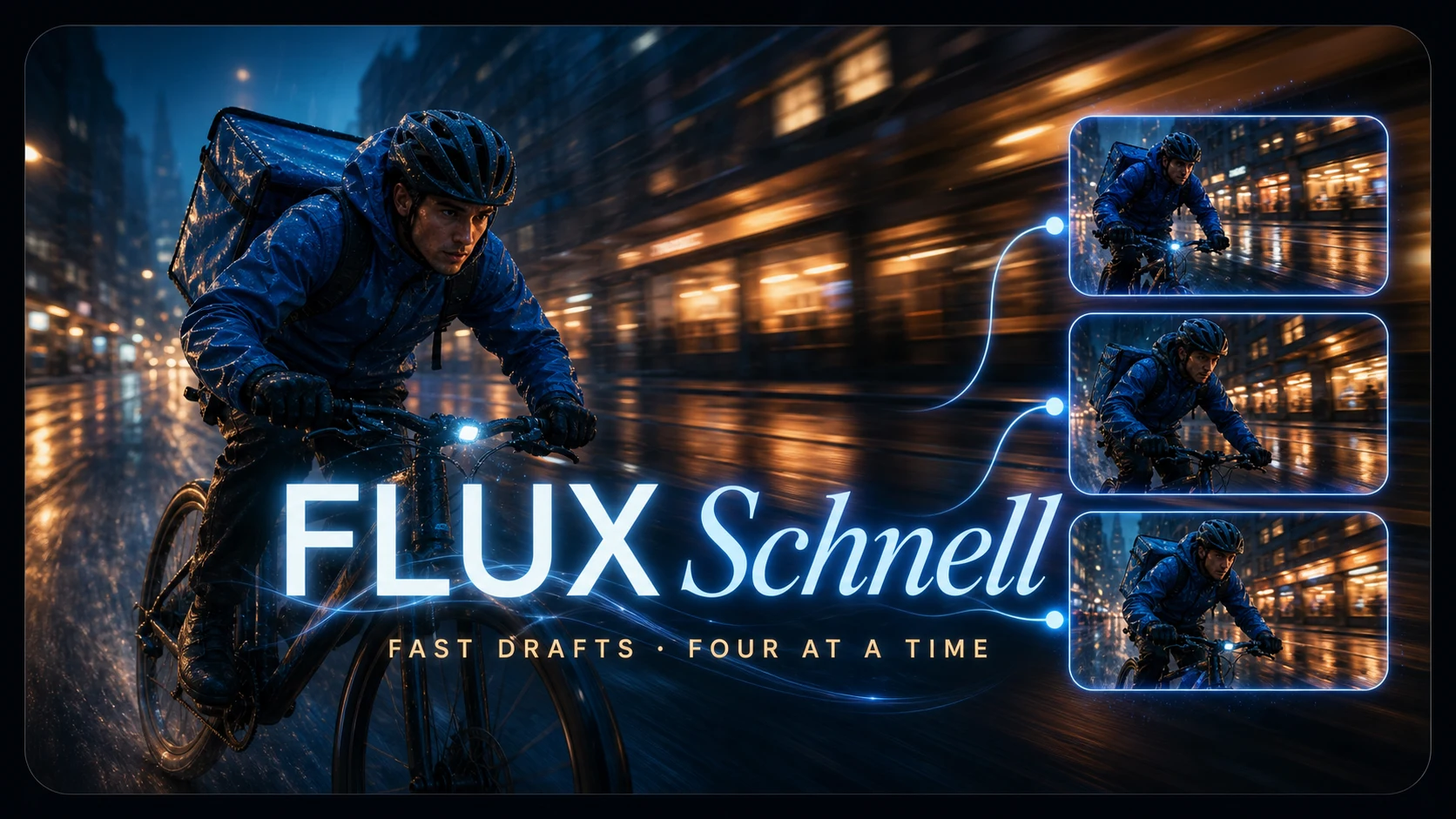
Fast drafts and batches — the cheapest model here, and where a new account should start.

The hardest shots: dense scenes, fine detail, text that has to stay legible.
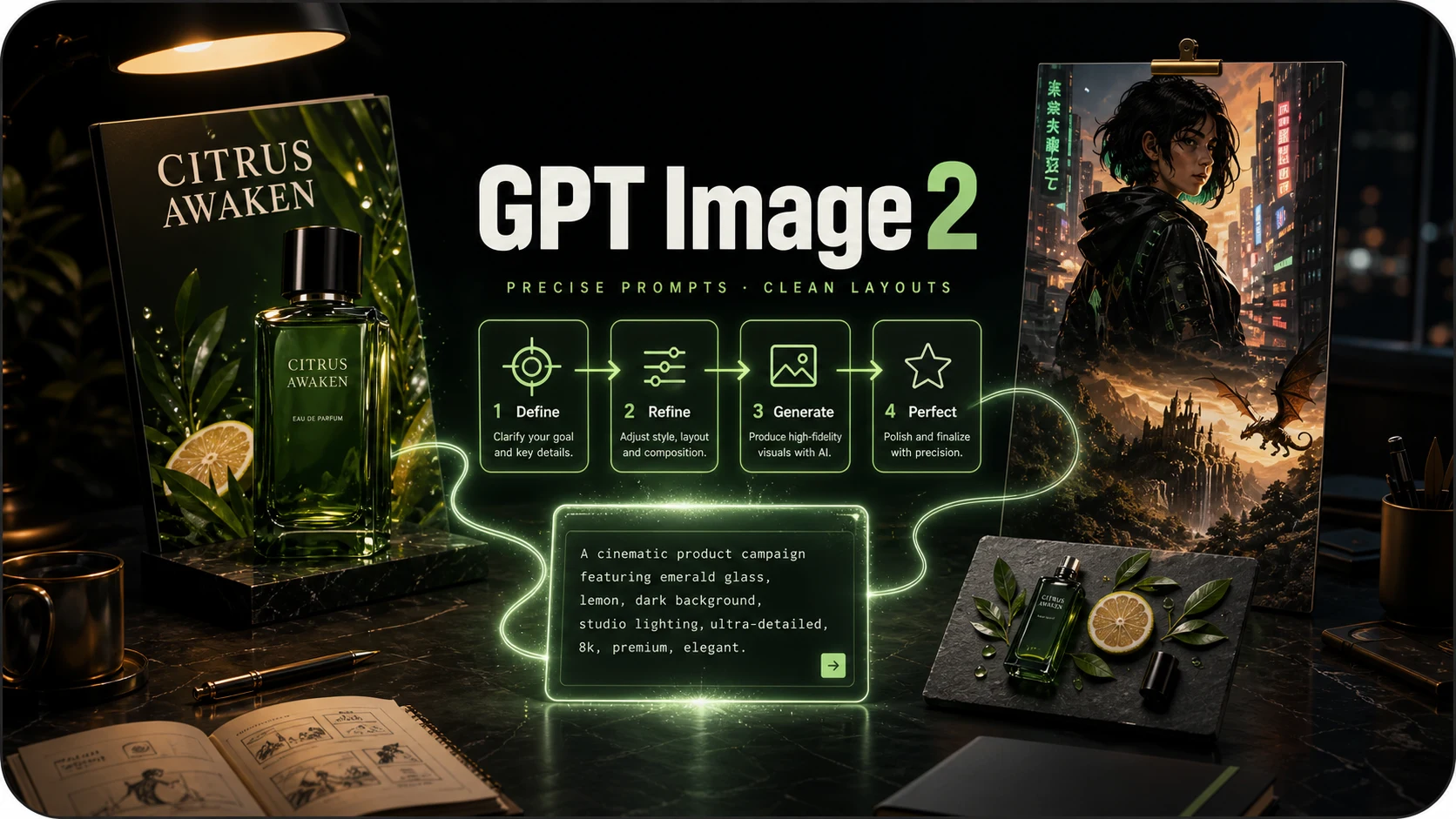
Prompt-faithful illustration and layouts, where following instructions matters more than photorealism.
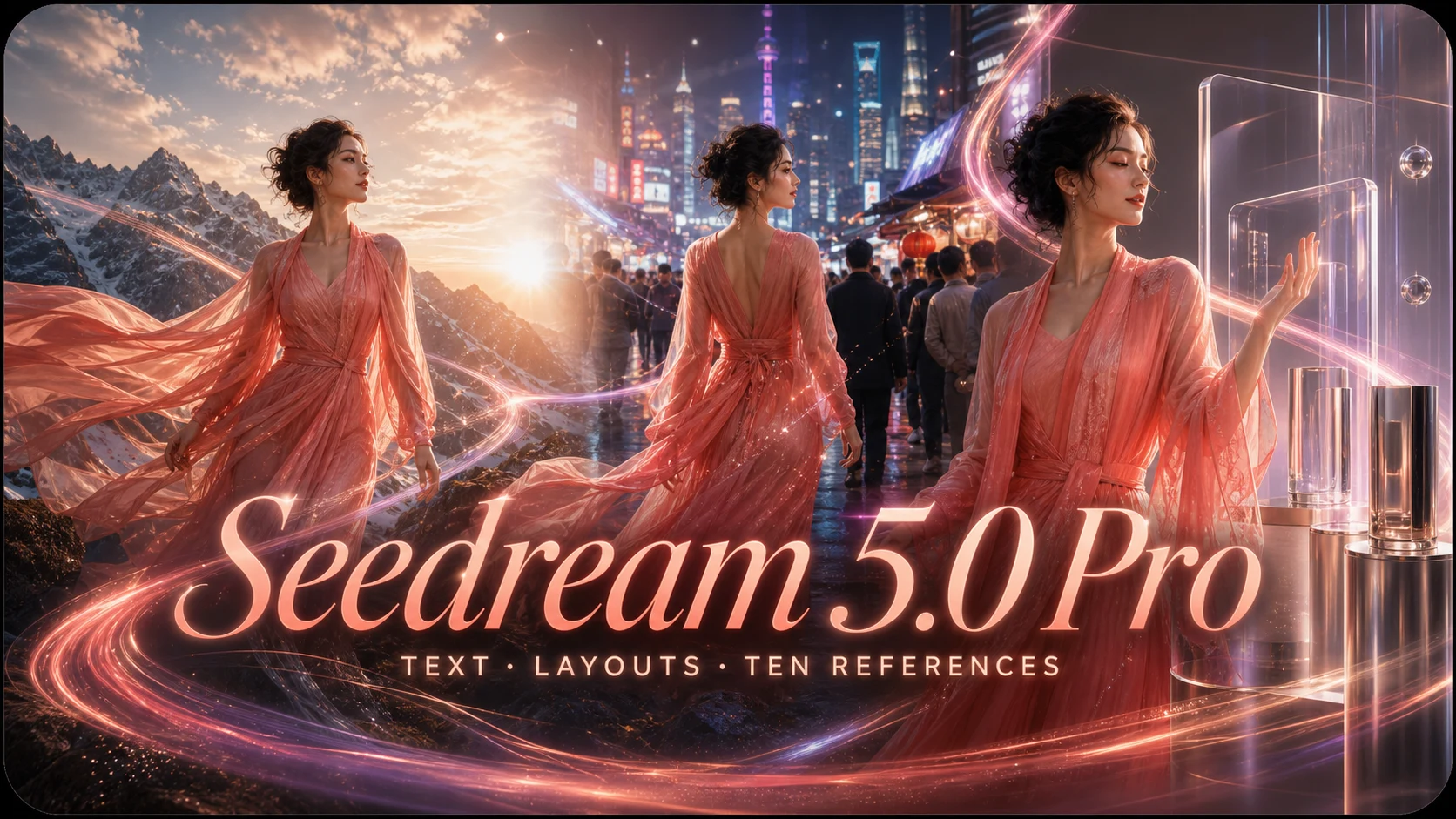
Production visuals with multilingual text, photoreal materials, and up to ten references.
FLUX 2 FAQ
Model access, credits, and the limits of this generator.
What is FLUX 2?
FLUX.2 is an image model family from Black Forest Labs. This page uses FLUX.2 [dev] through fal for text-to-image generation and reference-guided editing.
How is it different from FLUX Schnell?
They are separate models in the FLUX family. On this site, Schnell costs 1 credit per image and is available for anonymous trials. FLUX.2 supports generation and one-reference editing and requires an account.
How many credits does one image cost?
Text to image costs 4 credits; editing with one reference costs 8 credits. Credits are reserved before generation and refunded if it fails. Register and verify your email to try FLUX.2 with welcome credits.
Can I upload a reference image to edit?
Yes. Upload one image and describe the change. The first version of this tool accepts at most one reference and produces one output per task.
What resolution and aspect ratios are available?
Output is capped at 1MP on this site. Choose 1:1, 4:3, 3:4, 16:9, 9:16, 21:9, or 9:21. Auto uses square output, including when editing. This tool does not offer 2K or 4K FLUX.2 output.
Do I need a BFL, fal, or Replicate account?
No separate provider account is needed. Sign in to this site, choose FLUX.2, and use your account credits. You do not need to install software or supply an API key.
Try your next idea with FLUX 2
Create an account, verify your email, and use welcome credits to start generating.