
Lite
$4.83/month
1,200 credits, valid for 1 year
Billed yearly at $57.90 · save 30%
- Text-to-image and image-to-image
- All image models
- Free download, commercial license
Upload a photo and brush over an unwanted sticker. AI fills the selected area to blend with the surrounding image. 16 credits per image; sign up to try with eligible welcome credits. No installation.
Real sticker removal examples
New AI-generated source photos with added overlays, processed by this tool. After images are actual model outputs, not the unobstructed originals. Results vary.
Upload → Brush over sticker → Download. Choose the area yourself; no automatic detection is implied.
Drop a JPG, PNG or WebP image, up to 10 MB. Only upload photos you own or have permission to edit.
Cover the entire sticker and its edge with the adjustable brush. Undo a stroke or clear the selection, then generate.
Move the before-and-after slider, download the result, or continue editing another overlay.
Use this sticker remover for emoji on group photos, Snapchat and Instagram stickers, text stickers, or logo corners on images you have permission to edit. As an emoji remover from photo, it reconstructs a plausible scene—not the original covered detail.
Continue editing the same image with another focused AI tool.
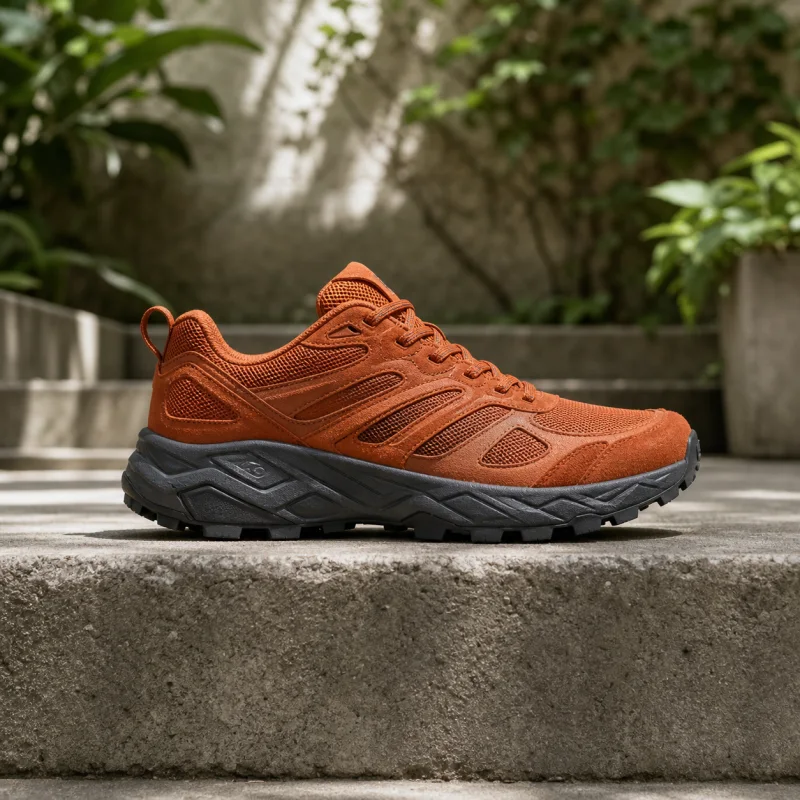
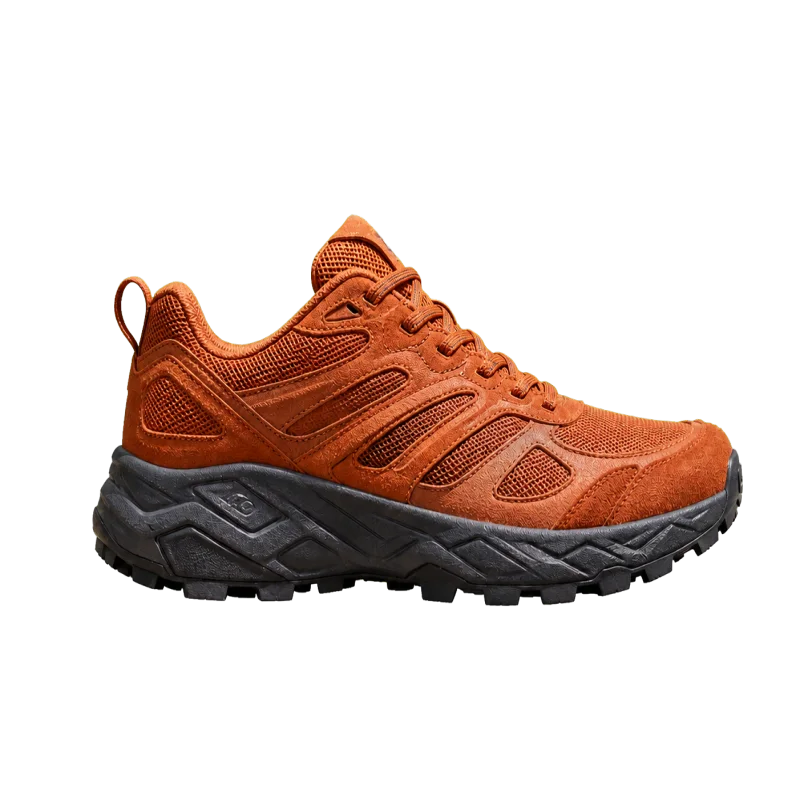
Cut the subject out and get a transparent PNG back.
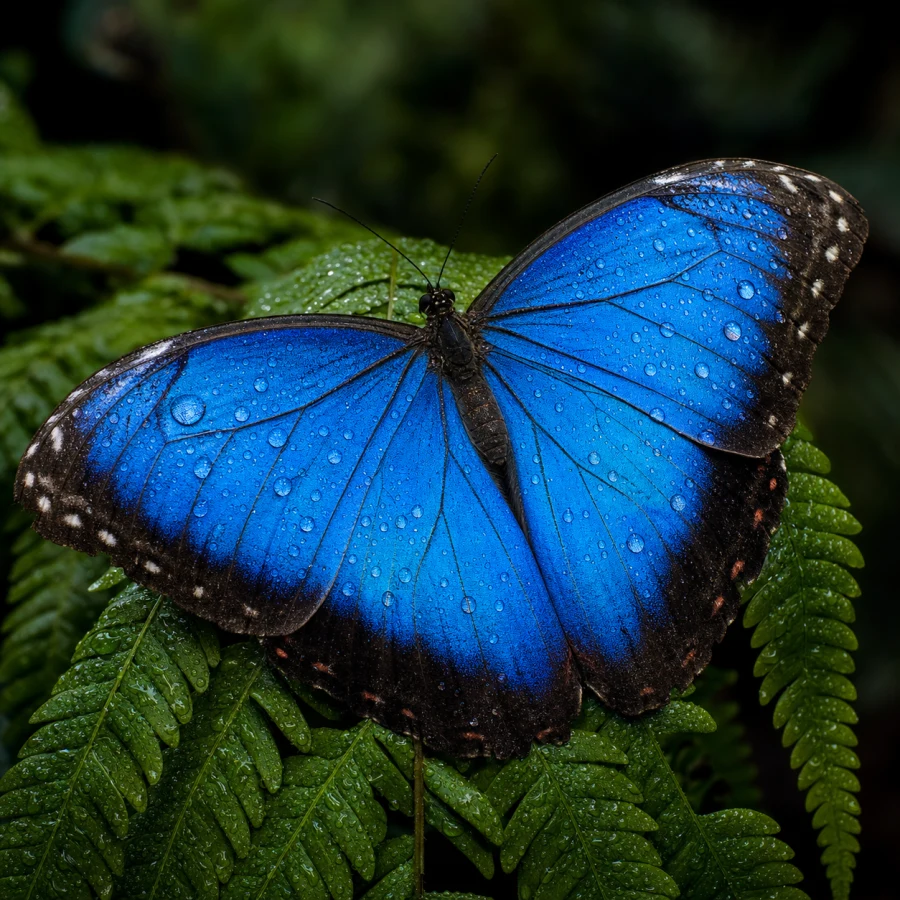
Enlarge a picture 2× or 4× without it going soft.

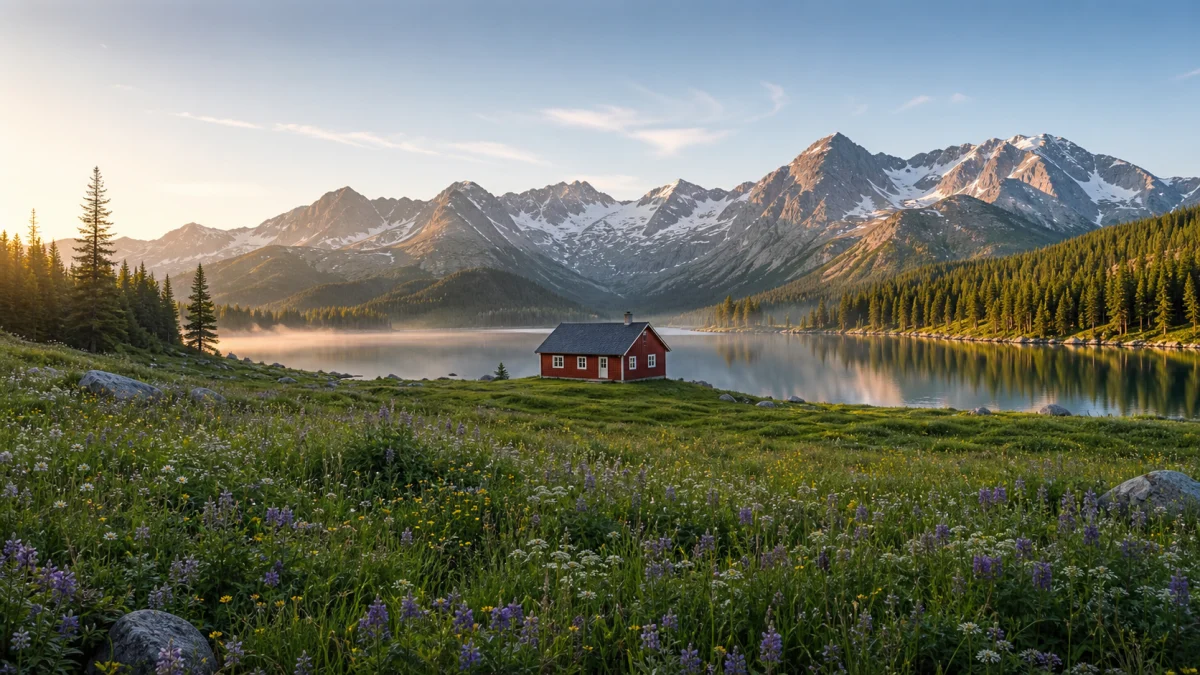
Extend a picture beyond its original frame to a new aspect ratio.


Turn a photo into an illustration while keeping the subject.

Turn a photo into 2D anime while keeping recognizable features.

Turn a photo into a hand-drawn pencil, charcoal or ink sketch.
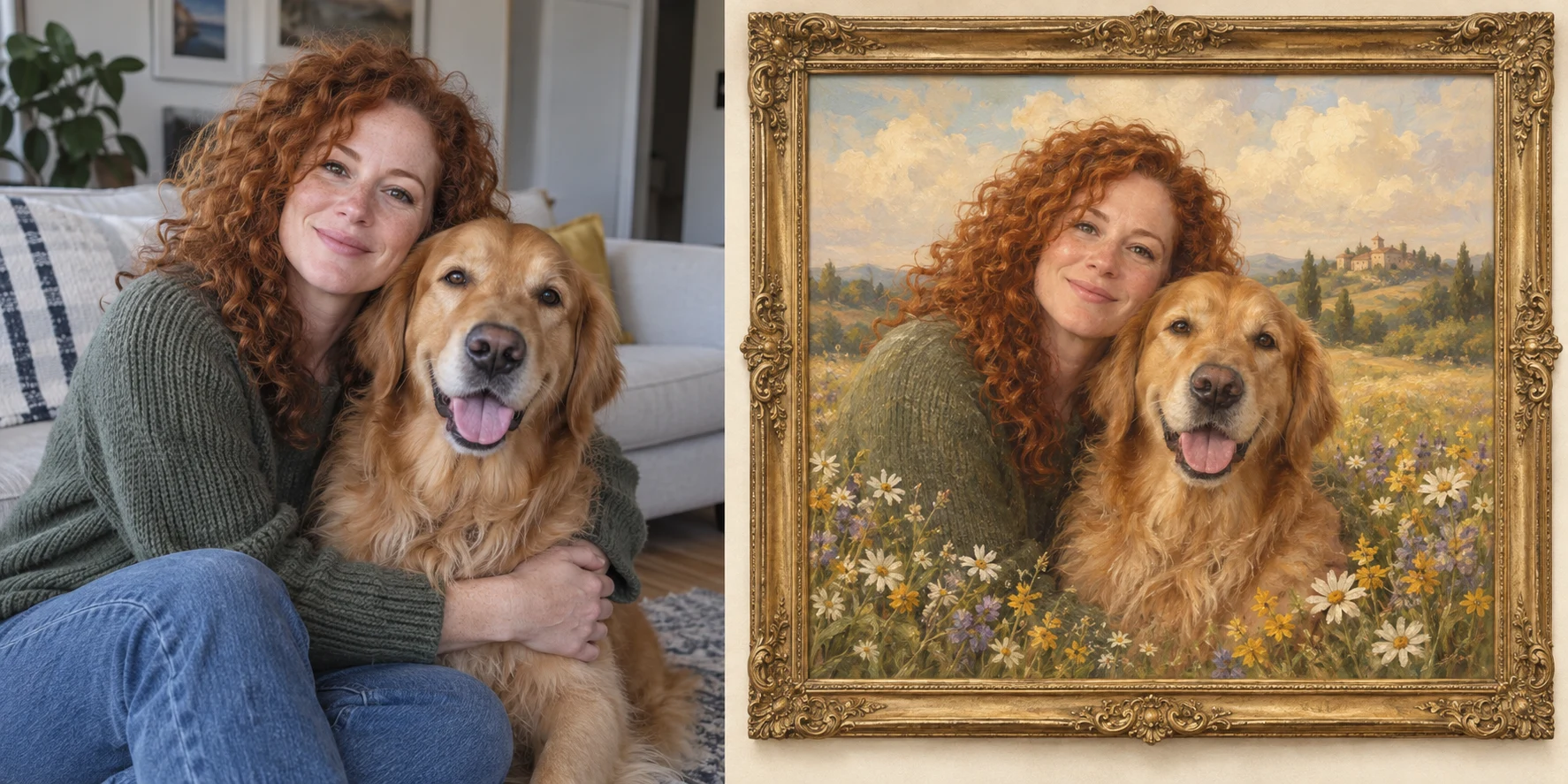
Create a vintage portrait of you and your pets, complete with an antique frame.
What to expect when you remove emoji from a picture.
Each successful edit costs 16 credits. Sign up and use eligible welcome or account credits to try it; anonymous editing is not included. Additional credits are paid. Failed edits refund reserved credits.
Yes. Brush over the emoji and its border. The model invents a plausible replacement from nearby pixels; it cannot reveal the original hidden face, text or detail. Do not use the result as evidence of what was underneath.
Yes, including your own social photos with Snapchat or Instagram stickers and text overlays. Complex UI, fine text and overlapping faces can be difficult to reconstruct accurately.
The output keeps the source dimensions, but AI can change texture and nearby pixels as it blends the repair. It is not a pixel-identical restoration. Compare the output before downloading.
Uploads are stored so our processing provider can read them, and results may be saved to your account history. They are not published in our public gallery. Do not upload sensitive documents or images you do not have permission to process; see our Privacy Policy.
Only remove a logo, watermark or ownership mark from images you own or have explicit permission to edit. Do not use this tool to bypass licensing or misrepresent authorship.
Choose an annual plan and keep every AI image tool within reach.
1,200 credits, valid for 1 year
Billed yearly at $57.90 · save 30%
3,000 credits, valid for 1 year
Billed yearly at $141.90 · save 30%
6,000 credits, valid for 1 year
Billed yearly at $276.40 · save 30%
Select the unwanted overlay and let AI fill the gap. Review the result: reconstruction is not recovery of hidden information.