Lite
1,200 credits, valid for 1 year
Billed yearly at $57.90 · save 30%
- Text-to-image and image-to-image
- All image models
- Free download, commercial license
Turn written prompts into original AI images online. Describe the subject, style, and composition, then generate and refine your result.
Quick start
A text-to-image generator converts a written prompt into a new visual. Start with the main subject, add useful creative direction, and choose the format before you generate.
Name the subject first, then add style, setting, composition, lighting, colors, or exact words that should appear in the image.
Select a model for speed or detail, choose an aspect ratio, and decide whether you want one result or several variations.
Create the image, keep the strongest result, then adjust the prompt or switch models when you want a different interpretation.
See images created from real text prompts. Click an example to place its prompt in the generator and adapt it to your idea.
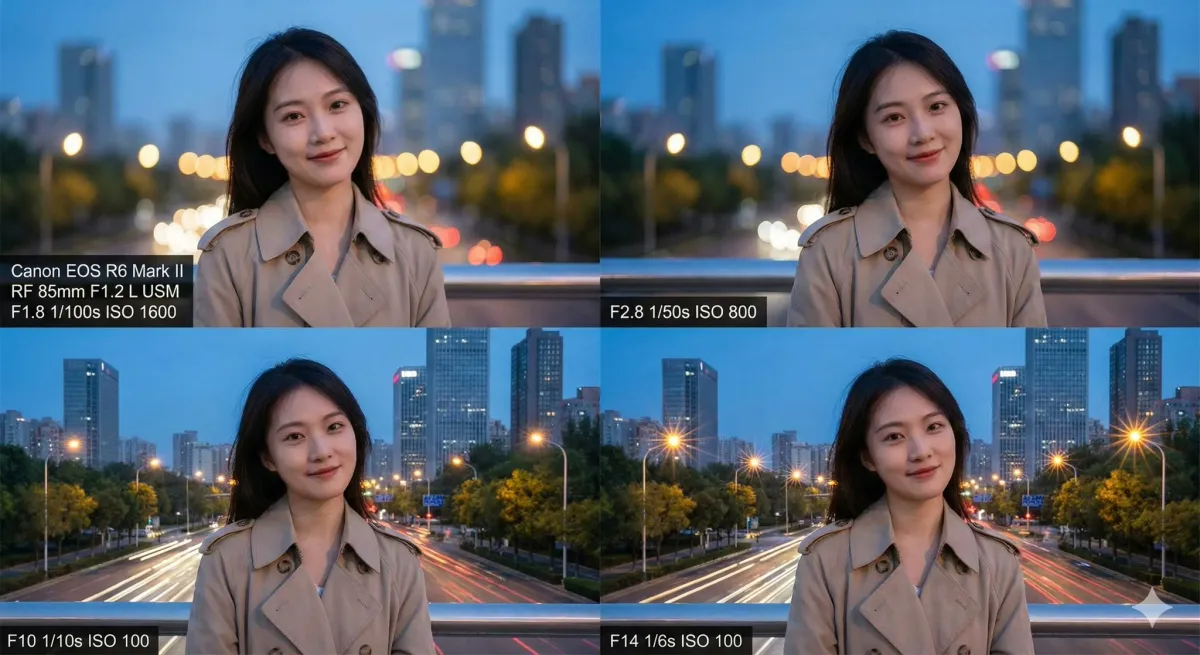
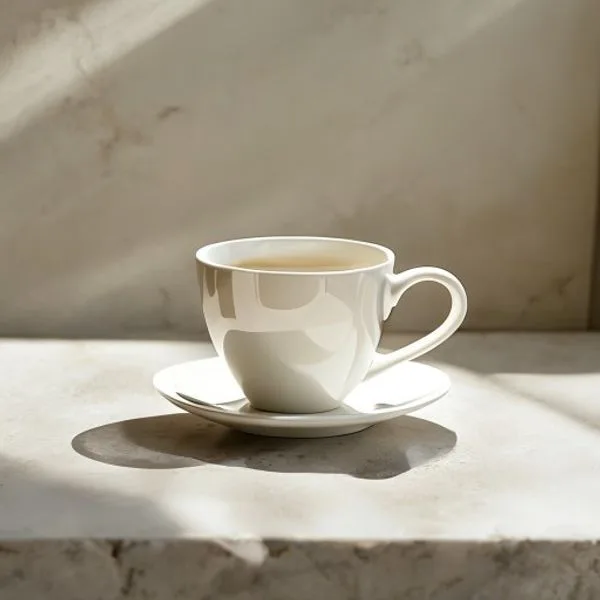
Describe a subject, setting, style, lighting, and camera angle in natural language. The generator turns those details into a complete image.
Generate fast drafts when you are testing a concept, then refine the strongest composition instead of starting over each time.
Create product scenes, social graphics, poster concepts, thumbnails, and campaign artwork from one written brief.
Repeat important details such as palette, character traits, materials, and lighting to build a more consistent visual series.
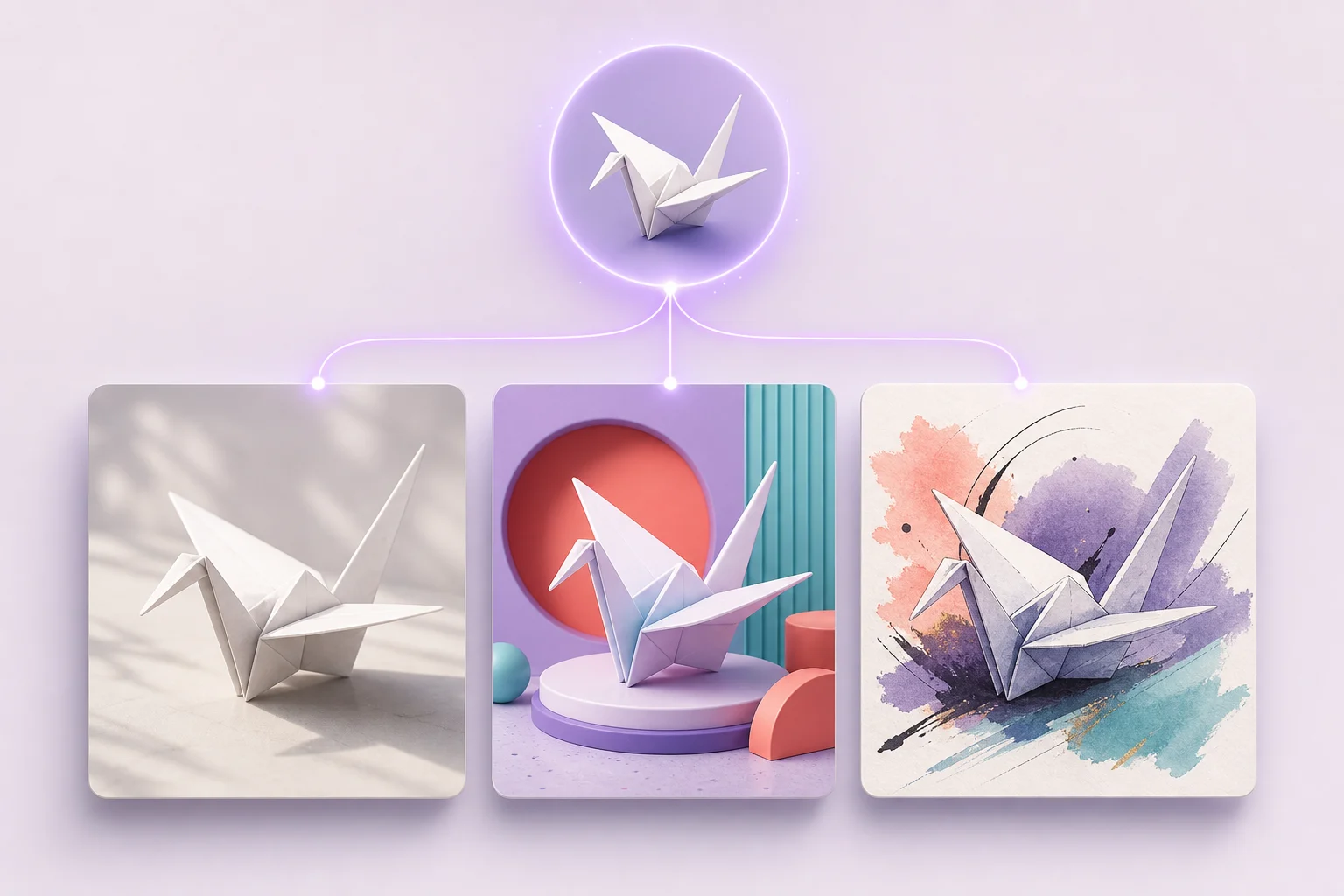
Create up to four versions of a prompt in one run, compare the compositions, and continue with the result that best matches your idea.
Choose square, portrait, landscape, widescreen, or vertical framing before generation so the composition fits its final use.
Direct the look, choose the right model, and compose the image for the place it needs to work.

Keep the idea constant and switch between FLUX Schnell, Nano Banana Pro, GPT Image 2, and Seedream 5.0 Pro to compare speed, detail, layout control, and reference handling without rebuilding your prompt.

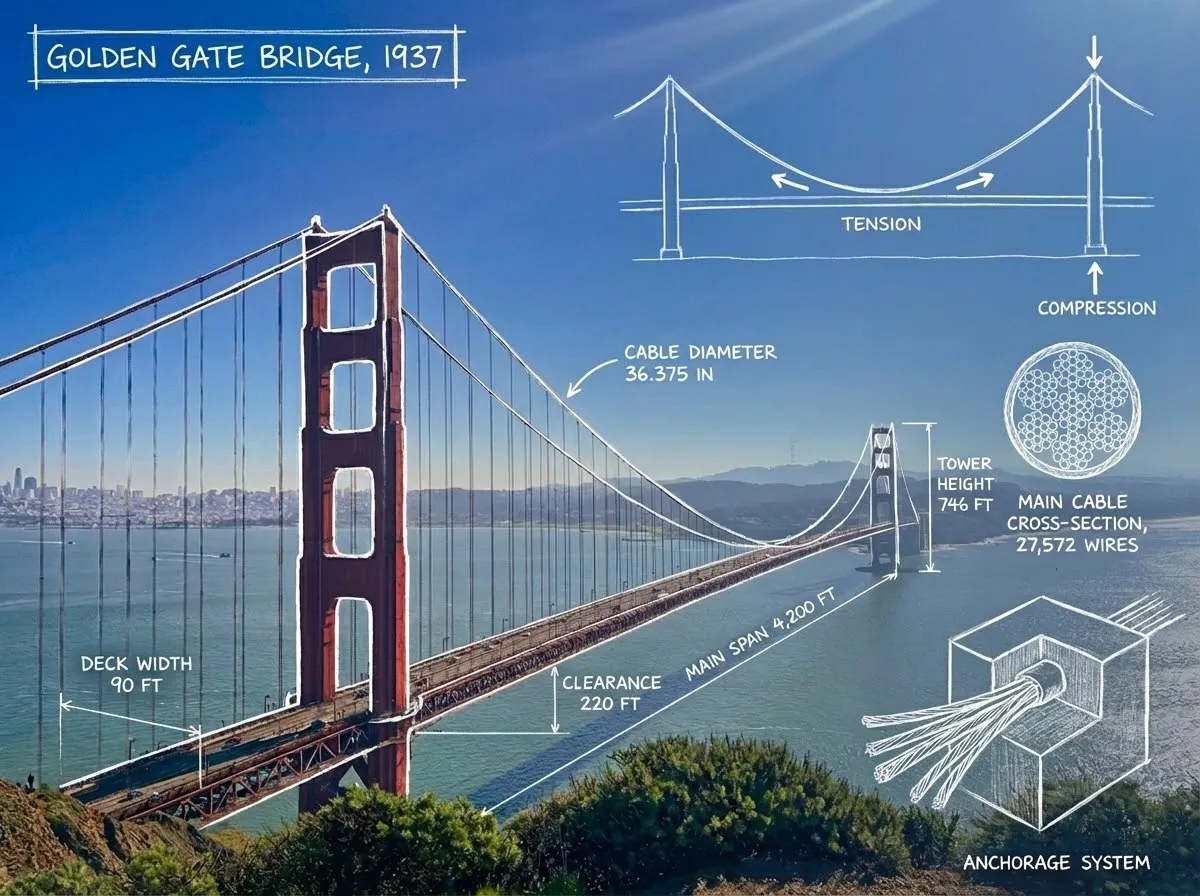
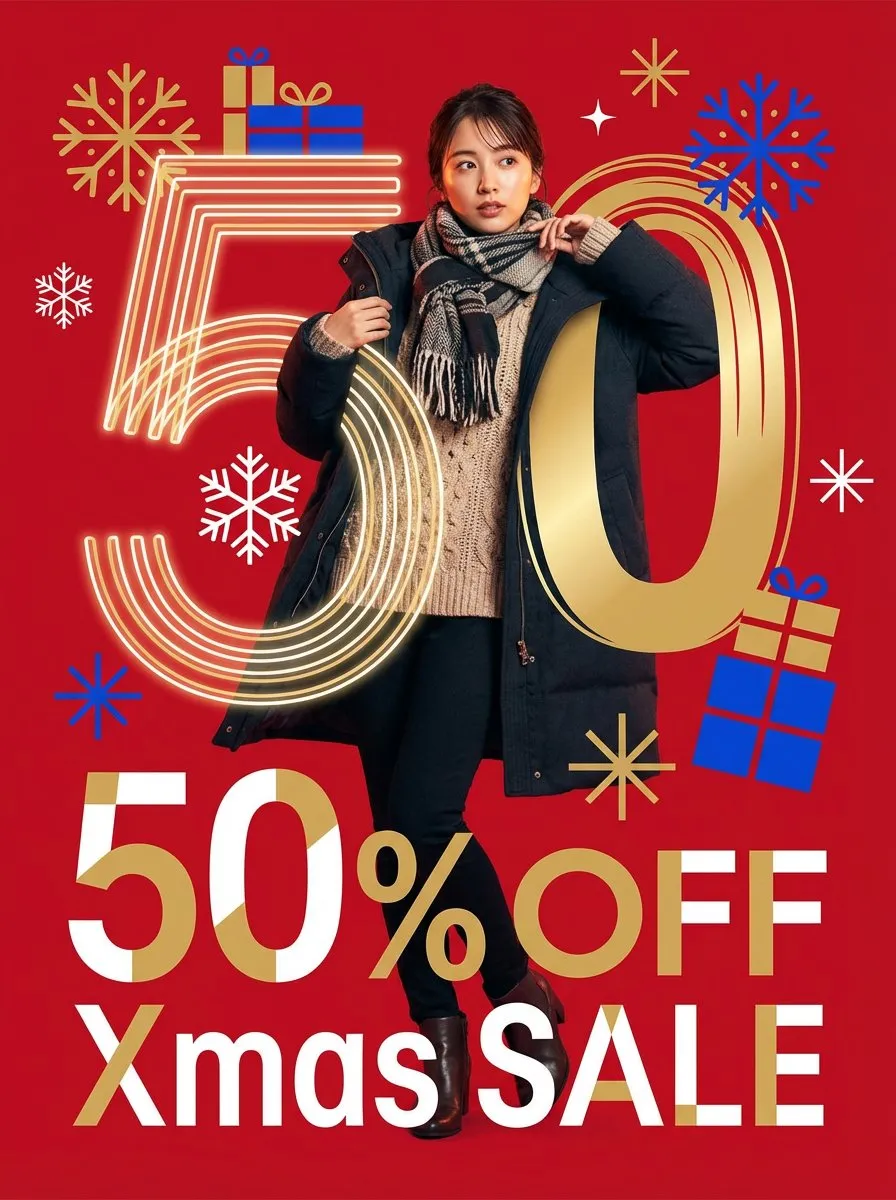
Create posters, diagrams, packaging, and title cards with words built into the composition. Nano Banana Pro and GPT Image 2 are the strongest choices when the copy needs to stay readable.


Choose square, portrait, landscape, or widescreen before generation so the subject, negative space, and layout are designed for the destination instead of cropped into it afterward.
Answers about creating AI images from text, writing prompts, free credits, commercial use, and supported formats.
A text-to-image generator is an AI tool that creates a new image from a written prompt. You describe the subject and visual direction, and the model renders an image that follows those instructions.
Enter a prompt that describes the subject, style, setting, composition, and lighting. Choose a model and aspect ratio, then generate. You can edit the prompt and run it again to refine the result.
Yes. New accounts receive free credits, and the credit cost is shown before each generation. Faster draft models use fewer credits than higher-detail options.
You can use generated images for personal or commercial projects, subject to the terms of the selected model provider and this site's terms of service. Review both before publishing paid work.
Start with the main subject, then add the setting, style, composition, lighting, color palette, and important details. Put exact wording in quotation marks when the image needs visible text.
The generator supports 1:1, 4:3, 3:4, 16:9, 9:16, 21:9, and 9:21, plus an automatic option. These formats cover profile images, social posts, presentations, banners, and phone wallpapers.
Choose an annual plan and keep every AI image tool within reach.
1,200 credits, valid for 1 year
Billed yearly at $57.90 · save 30%
3,000 credits, valid for 1 year
Billed yearly at $141.90 · save 30%
6,000 credits, valid for 1 year
Billed yearly at $276.40 · save 30%
Write a prompt, choose the format, and generate your first image online with free credits.